

Whole-home Wi-Fi installation that reaches every room.
For homes. Running an office? Start at Networking.
We replace the cable company's router and extender with one system that covers the whole house. Mesh starts at $2,500 and wired starts at $8,000, hardware included.
One video call, walked upstairs
Two ways to cover the whole house
Both include the hardware. Internet service is extra.
Three nodes. Hardware, install and 90 days of support included.
Best for: Drywall. One or two floors, up to about 4,000 sq ft. Nothing gets drilled.
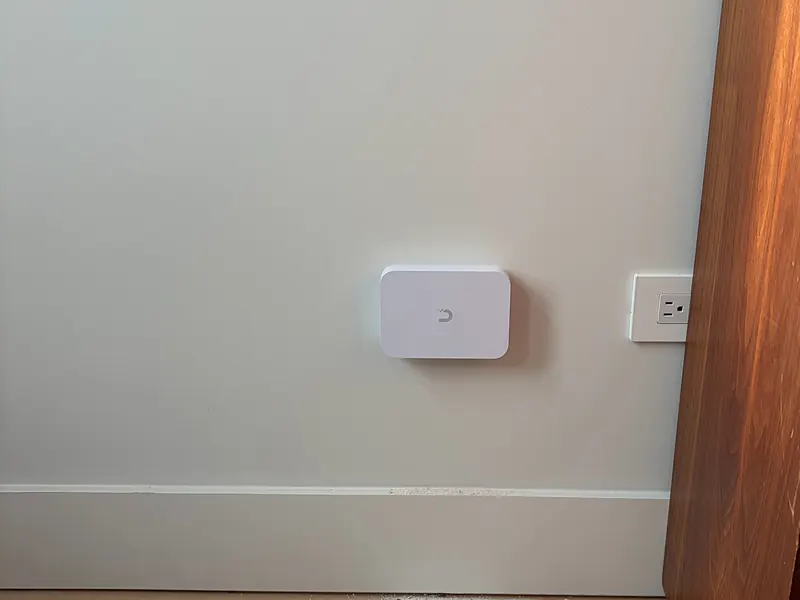
- Three UniFi Express 7 units, yours to keep. They sit on shelves and pass the Wi-Fi to each other.
- Your Wi-Fi name and password stay the same, so nothing needs to be reconnected.
- Every device tested before we leave, printer included.
Time on site: 2 to 3 hours
Book a callMost homes land between $8,000 and $13,000. Rack, hardware, install and 90 days of support included.
Best for: Plaster, brick or steel lath. Three or more floors. Anyone adding cameras.
- Three UniFi U7 Pro XG access points, the small units on the ceiling that put out the Wi-Fi. Each gets its own new cable.
- A UniFi Dream Machine Pro, the main box that runs the network and keeps outsiders out. No subscription.
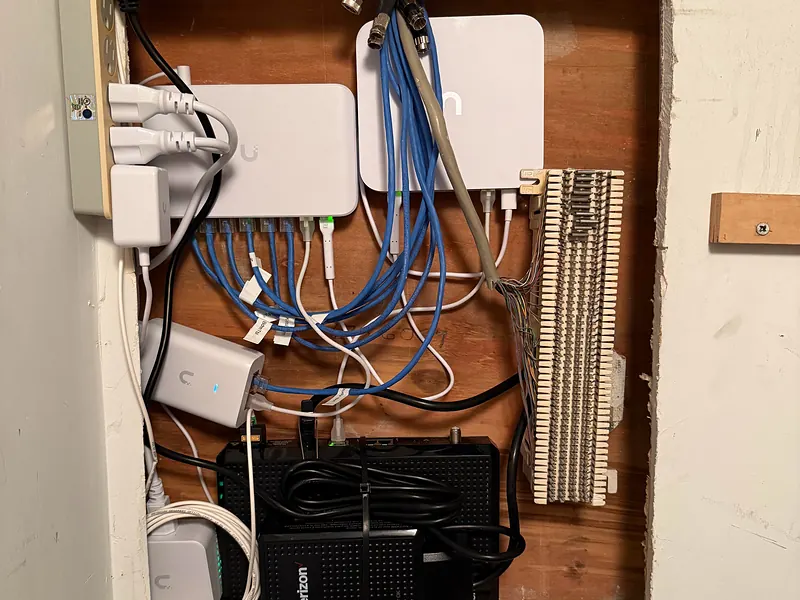
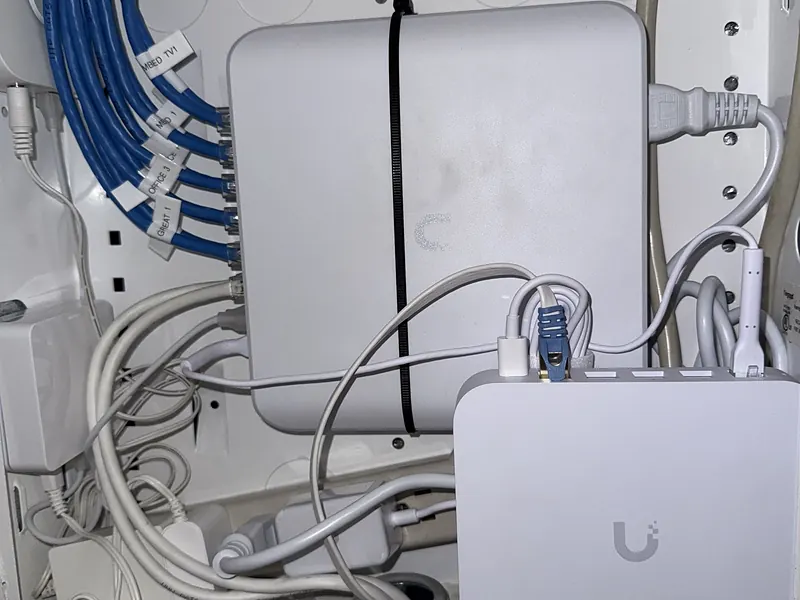
- A small labeled rack on the wall for the gear, with a battery backup.
Time on site: One to two days
Book a callMesh or wired?
From first call to finished install
A 30-minute call
Free, on Google Meet. Tell us what's going wrong and what the house is made of.
A price
Usually on the call. If we need to see the house first, the visit is $500 and comes off the project.
Install
A senior lead oversees every job, and insured subcontractors do the cabling. We test every room before we leave.
90 days of support
Text us if anything acts up. After 90 days, help is per visit.
From homes we've done.
"Besnik did a great job organizing a complex web of a dozen devices into a wall-mounted rack. He installed the rack to the wall, organized all my devices in it, and then tested wired ethernet connectivity to each room in a multi-floor apartment."


Wi-Fi installation in New York City.
Many NYC apartments already have wiring in the walls, often old phone lines. We check what’s there first.
Home Wi-Fi installation across Westchester, Fairfield County, NYC and Northern New Jersey.
We're based in Pelham, NY. Most home jobs are in Westchester, from New Rochelle to Scarsdale and Rye, and we're in Fairfield County and New York City every week. Northern New Jersey and the Hudson Valley are by arrangement.
Common questions
How much does whole-home Wi-Fi installation cost?
Mesh starts at $2,500 for three UniFi Express 7 nodes. Extra nodes are $450 each, and wiring a node to an existing network jack is $75. Wired starts at $8,000 with the rack, and most homes land between $8,000 and $13,000. Extra access points are $950 each, and extra cable runs are $450, or $650 where there is no access. Cameras added during a wired install start at $800 each.
Do you need to open walls for the wired option?
Usually a few small openings, plus access through the basement or attic. We show you where before we start and photograph every opening. Patching and painting is left to your painter.
What happens to the router from my internet provider?
It stays as your modem, the box that brings the internet into the house. We set it up so your new system runs the Wi-Fi, which gives you one network instead of two.
How fast can you come out?
Calls are usually within a day or two. Mesh installs happen within the week, and wired installs usually within two to three weeks.
What kind of support do I get after the install?
90 days of support is included. After that, help is quoted per visit. Home Wi-Fi is a one-time install, not a monthly plan.
Can you install a WiFi extender in my NYC apartment?
We can, but we'd rather not. An extender repeats a weak signal, so everything on it is slower. A wired access point gets full speed from the cable, and if your apartment has old phone or network wiring, we check whether we can use it first.