
The family wanted Wi-Fi in every part of the house
The house in Rye Brook has two floors, a basement and a backyard, and the family wanted strong Wi-Fi in all of them.
The house also runs a lot of connected devices: thermostats, Ring cameras, flood sensors and TVs. All of them had to move to the new network.
The first plan called for four access points, the small units that send out the Wi-Fi signal.
What we had to work around
The access points connect by network cable, so the house needed two new cable runs. Our cabling partner estimated 4 to 6 hours for them, so we booked the cabling and the install on separate days.
A walkthrough first, then a smaller install
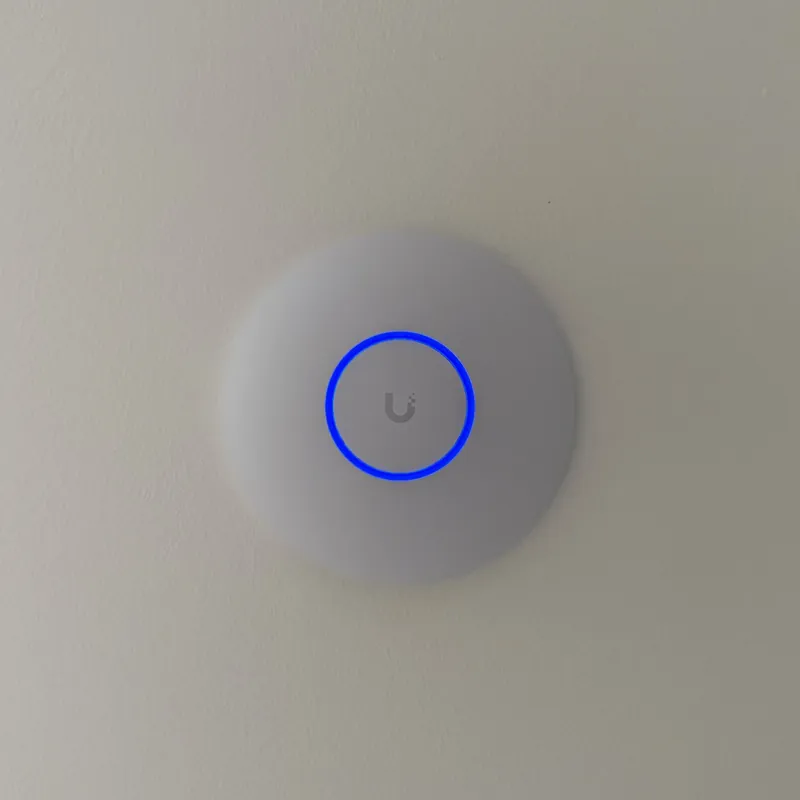
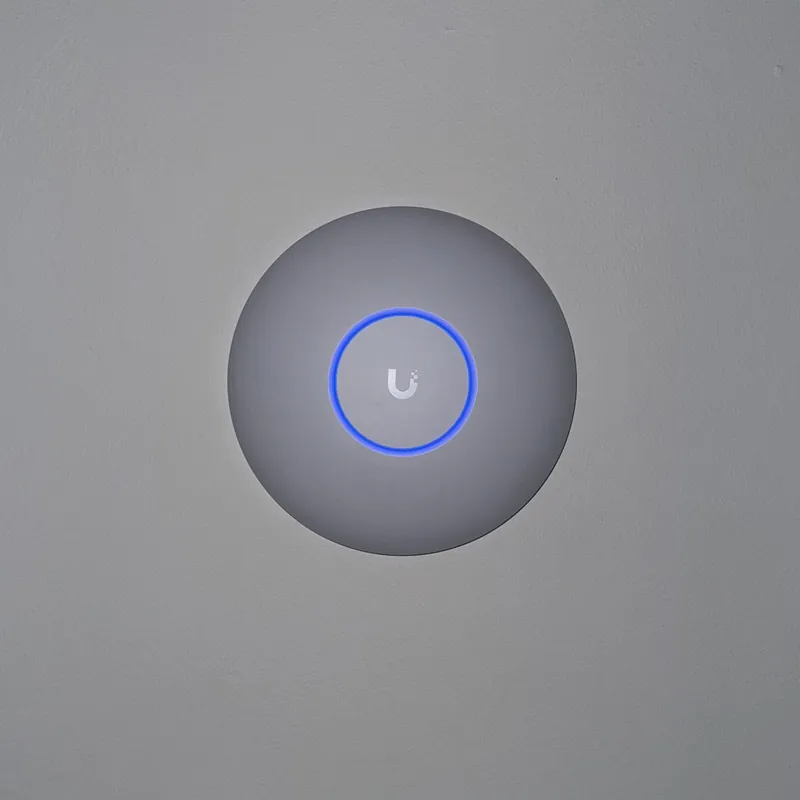
- Day one. Walked the house with the family. Redrew the plan with two access points: one on the first floor outside the basement door, one upstairs.
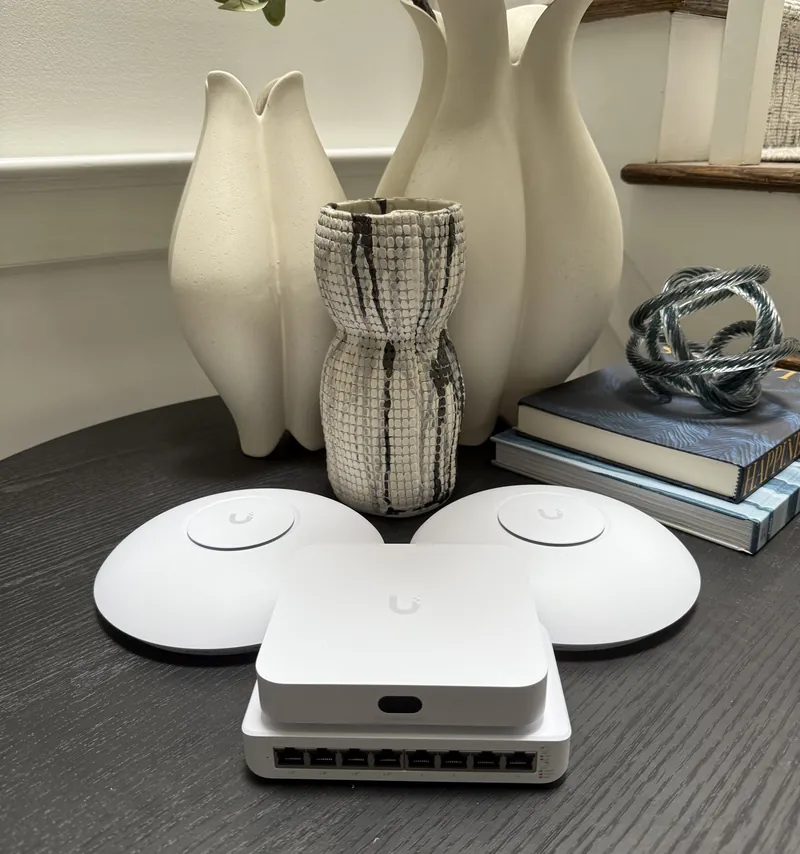
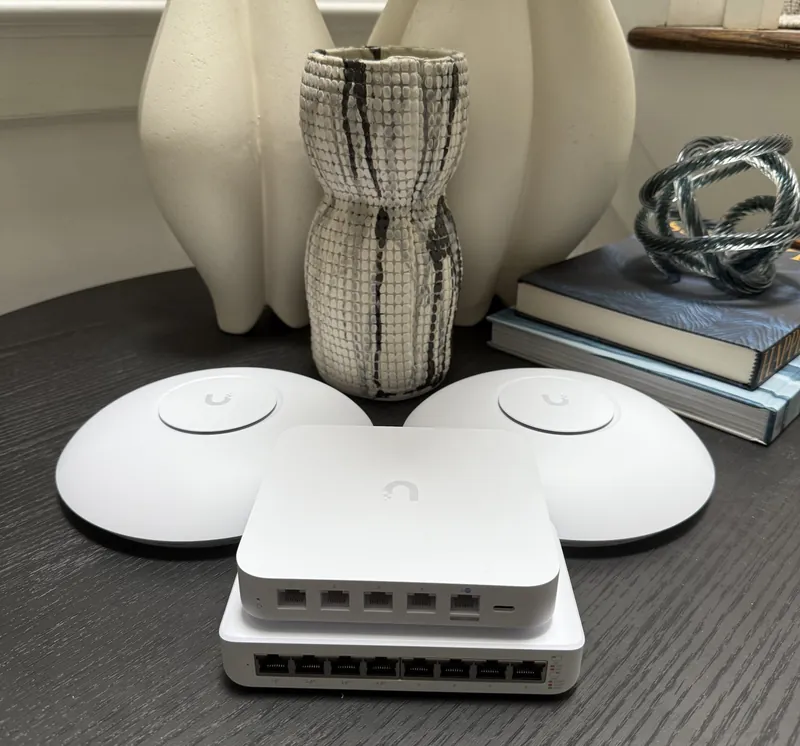
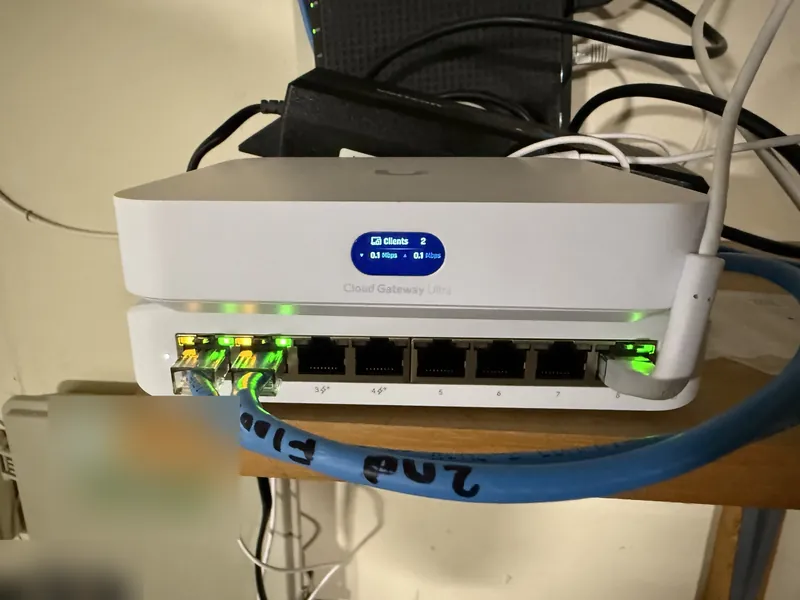
- Two days later. The equipment arrived: two UniFi U7 Pro Max access points, a UniFi Cloud Gateway Ultra (the main router) and a small switch that powers the access points through their cables.
- Two days after that. Our cabling partner ran the two new network cables.
- Install day. We started at noon. We put ends on, tested and labeled every cable, mounted both access points and set up one network for the whole house.
- The same day, we tuned the first-floor access point to reach the backyard, then connected and tested the thermostats, cameras, flood sensors and TVs.
Why two was enough
The basement sits close to the first-floor access point, so it gets a strong signal without a unit of its own. The backyard is covered the same way, by tuning that access point instead of adding an outdoor one.
Fewer access points also meant a lower cost than the first plan.
Two access points cover the whole house
The whole job took less than a week. One network now reaches both floors, the basement and the backyard.
“Besnik was courteous, knowledgeable and very professional.”
What happened after
The family has brought us back since. We set up a home workstation for them, and we have scoped outdoor speakers for the house.
Related: Home Wi-Fi, Westchester
Wi-Fi that drops in parts of your house
Book a call. We walk the house before we decide how many access points it needs.
Pelham, NY. (914) 714-4312