
Two routers and a few extenders
They found us on Thumbtack. Their Chelsea office ran on a Verizon router and a Spectrum router, with Wi-Fi extenders spread through the back rooms.
“It seems like everything we do does not help!”
The executive assistant who ran the project
She sent a video walkthrough and a floor plan. We sent back two designs: one with new cable in the ceiling, and one that reused the Ethernet already in the walls.
They picked the second, so no new cable went in, and asked for the install as soon as possible.
One network, with a backup line
We set it up at our office first and installed it on a Wednesday.
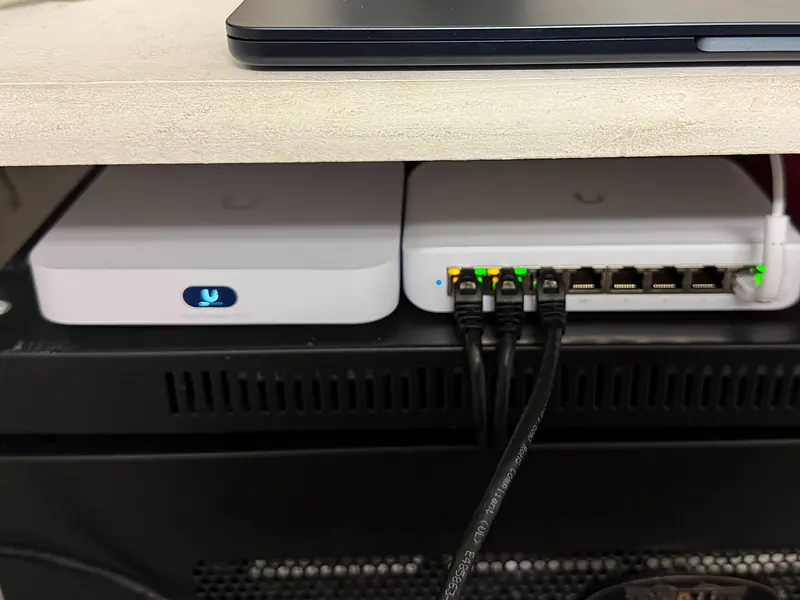
- UniFi Cloud Gateway Ultra, the main router
- 8-port PoE switch, which also powers the access points
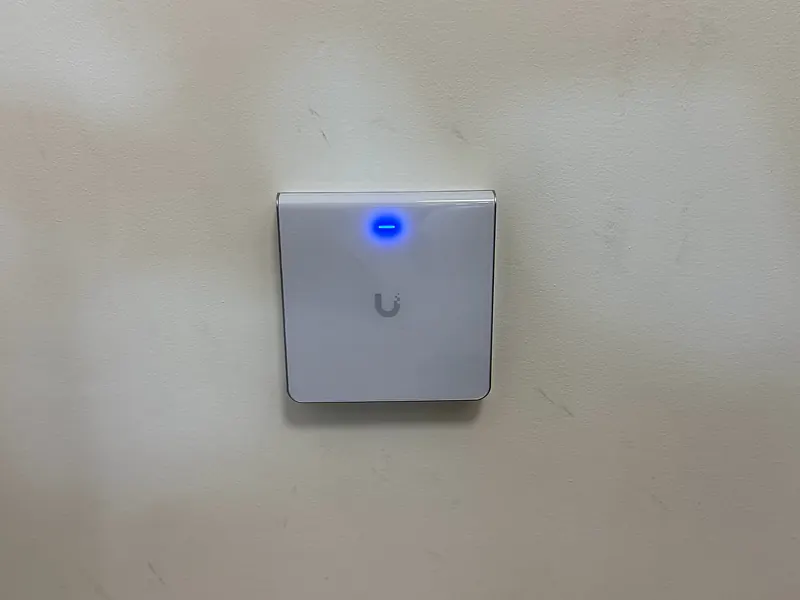
- Two in-wall Wi-Fi access points on existing jacks
- Verizon as the main internet line, Spectrum as the automatic backup
Both lines tested at a gigabit. With Verizon unplugged, Spectrum took over in seconds.
Then a move to a full floor in Hudson Square
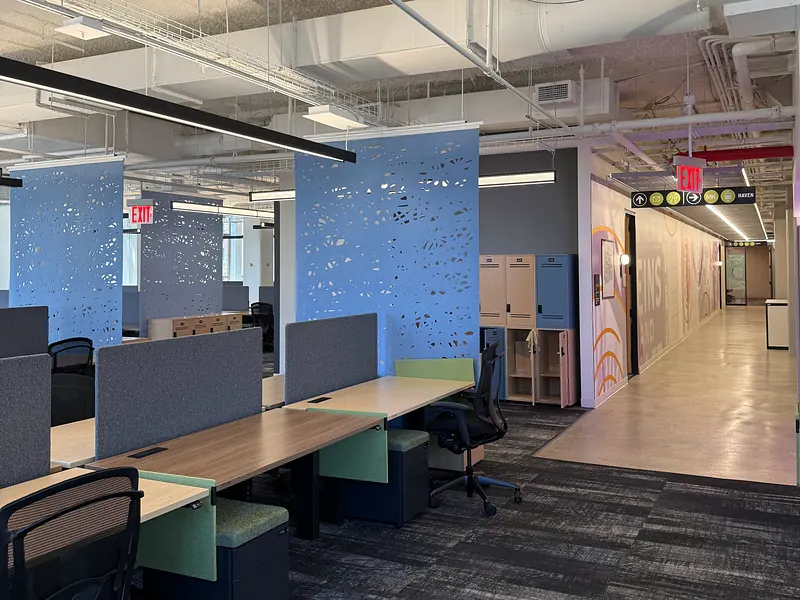
In early August they told us they were moving to a full floor in Hudson Square. They wanted everyone working there the following week.
“What matters the most to us is making sure we have a good enough signal by the beginning of next week.”
The executive assistant
That Saturday we took the network out of the old office and walked the new floor. The building had already fitted it with racks, fiber between two network closets and ceiling cable for access points.
The old gateway had no fiber port, and the new floor had no jacks for the in-wall access points. That night we sent three options. They chose full coverage, with the equipment mounted in the racks.
Built in one day on the cable that was there
Verizon was booked to bring its fiber into the main closet the following Wednesday, and we built the network that same day.
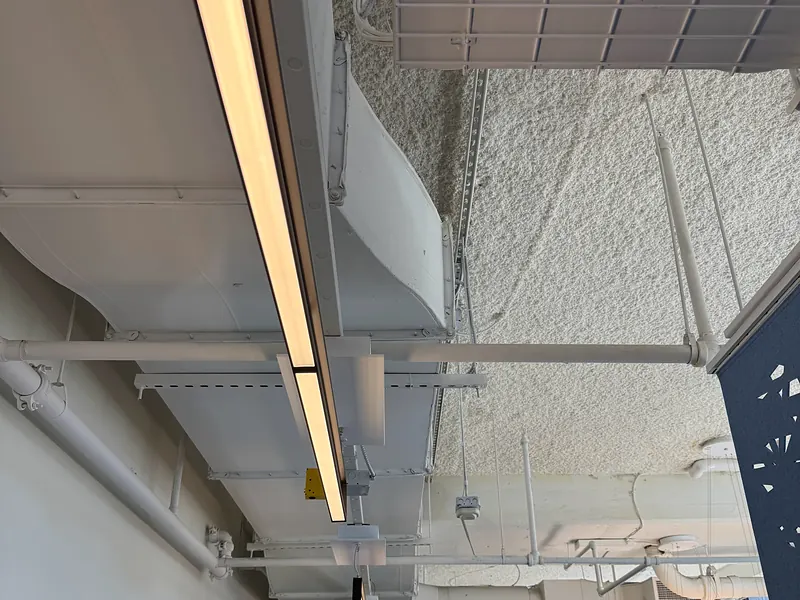
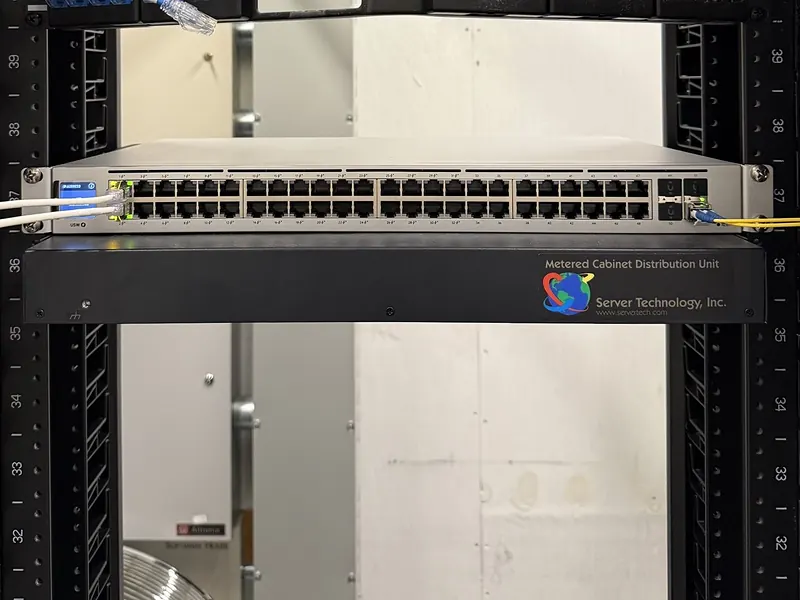
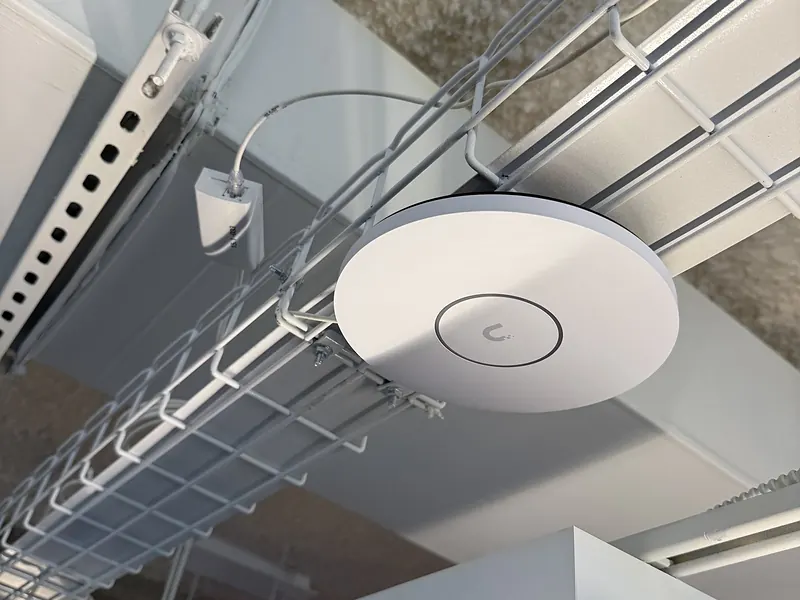
A new gateway in the main closet connects over fiber to a new switch in the second closet. We put an access point on every ceiling cable the floor already had.
One rush-shipped part missed its delivery that morning. We finished without it and sent it back.
Tuning once people moved in
A month in, a few corners reported weak Wi-Fi. We raised the access point power after hours.
A few weeks later the shared desks near one access point slowed down. We restarted it remotely, and the office reported it working within minutes.
In December we turned on wired connections at two desks, one for a videographer moving large files. In January a desk move added seven more.
“Network going perfectly”
The executive assistant, October 2025
The next spring they hired an in-house IT admin, and we gave him full access to the network.
Related: Build-Outs & Moves, Business Networking & Wi-Fi, Office move IT, New York City
Moving to a bigger office
Book a call or get an assessment. Send the floor plan and the move date.
Pelham, NY. (914) 714-4312