

They needed the office working by Friday.
They found us on Thumbtack. On January 28 we met with their operations director to go over the space and sent an estimate the same day. It was over their budget, and so was a leaner version we sent later that day. The desks were the one part they could not drop:
“…the workstation set up is really the non-negotiable work that we need taken care of.”
The operations director, January 2026
They tried another option first. On Tuesday, February 3 they came back with a list of what they needed, written with their CTO and the last tenant’s IT provider:
“We’re aiming to move quickly, so the sooner we receive a quote, the better!”
The operations director, February 2026
We cut the job down to what the room needed and quoted it that evening. They approved it on Wednesday. Parts shipped the same day, and the building approved our insurance paperwork on Thursday. On Friday we were on site for roughly business hours.
Why we didn’t keep the Meraki in the rack.
The space already had Meraki gear in the rack, and their list asked for three-year Meraki licenses. Meraki needs a paid license for as long as you use it. Miss a renewal and the hardware stops doing its job.
We priced both paths in the same estimate. For an office this size we recommended UniFi, which has no ongoing license fee, and they chose it.
The equipment we set up.
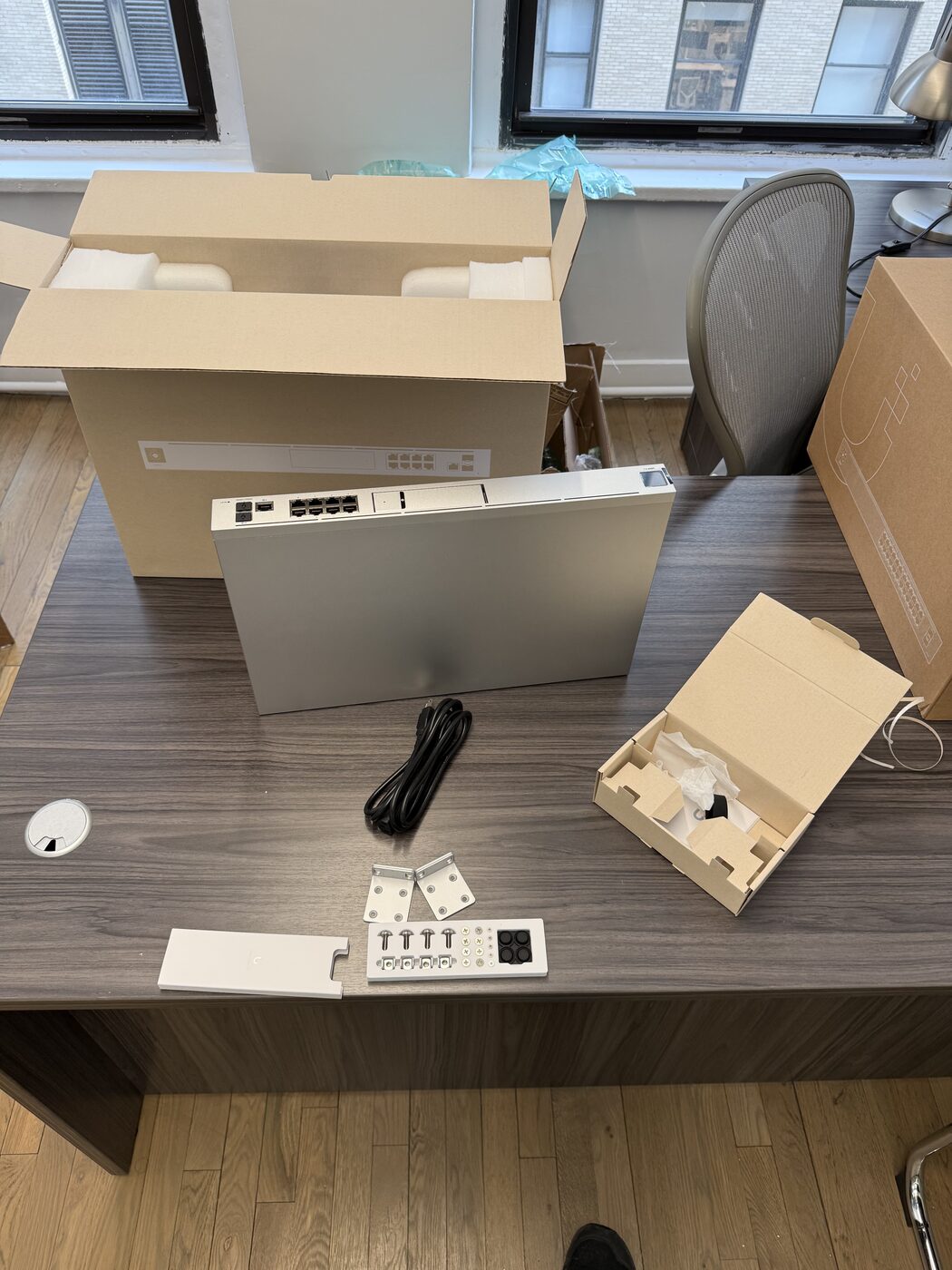
- UniFi Dream Machine Pro, the main router
- 24-port PoE switch, which also powers the access points
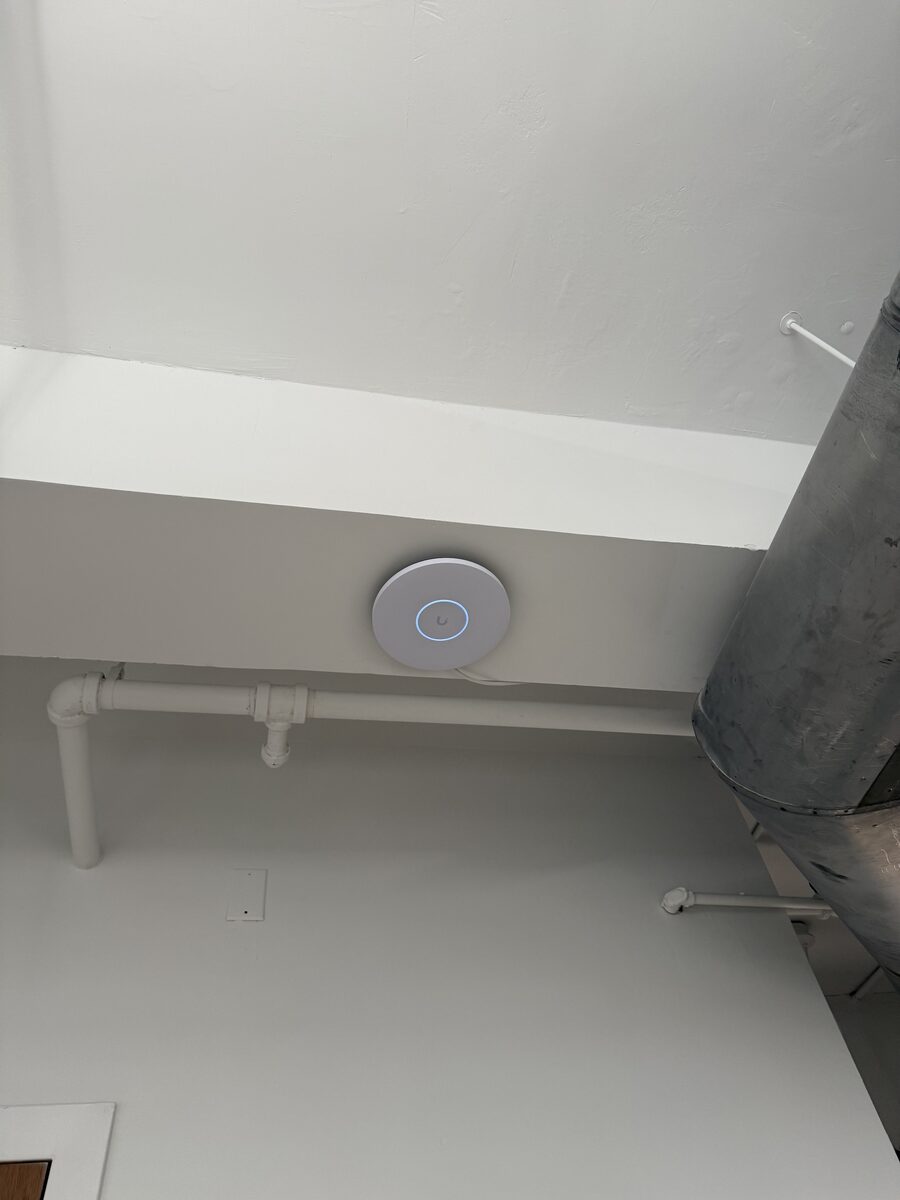
- Three U7 Pro XG Wi-Fi access points
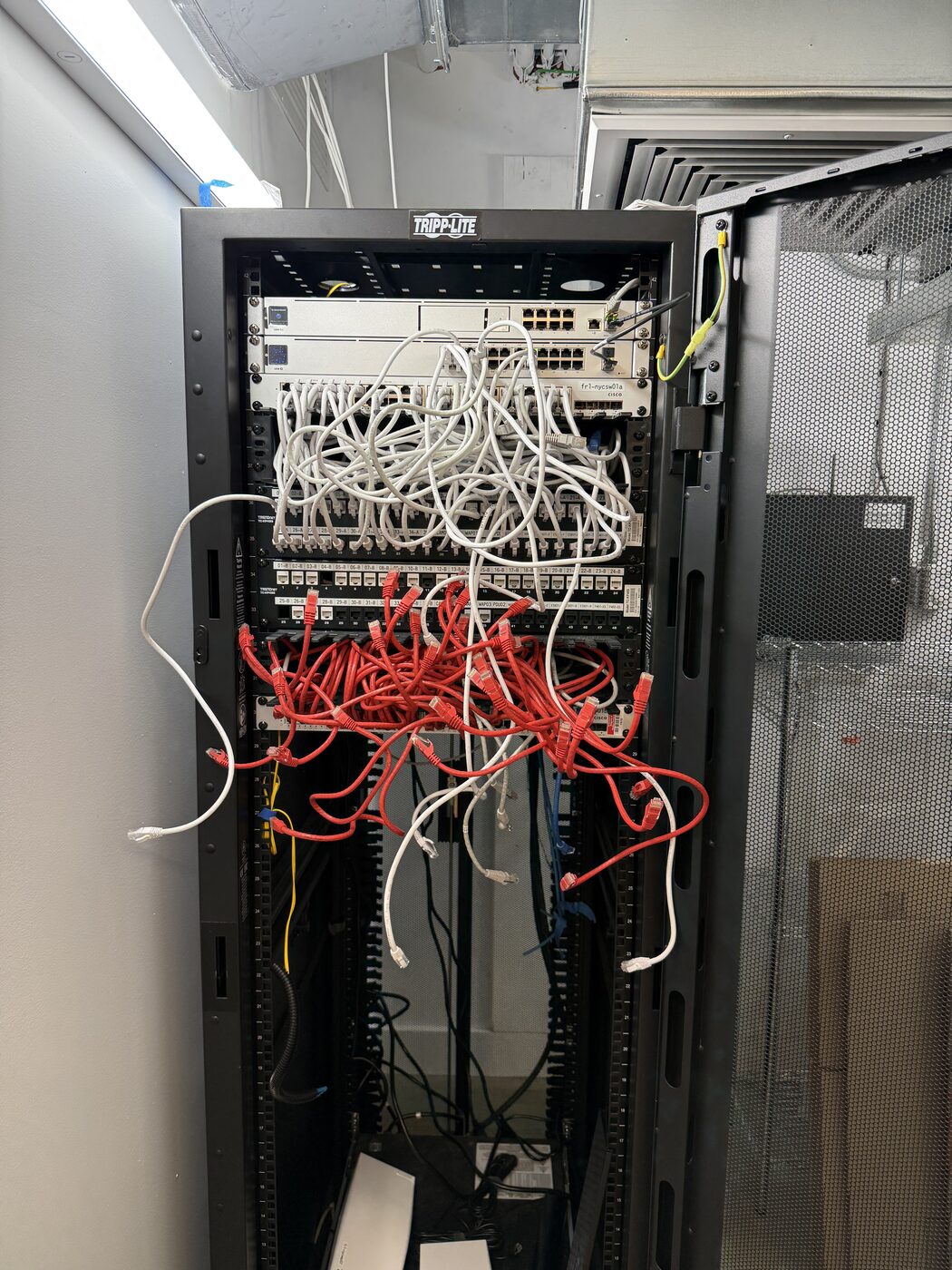
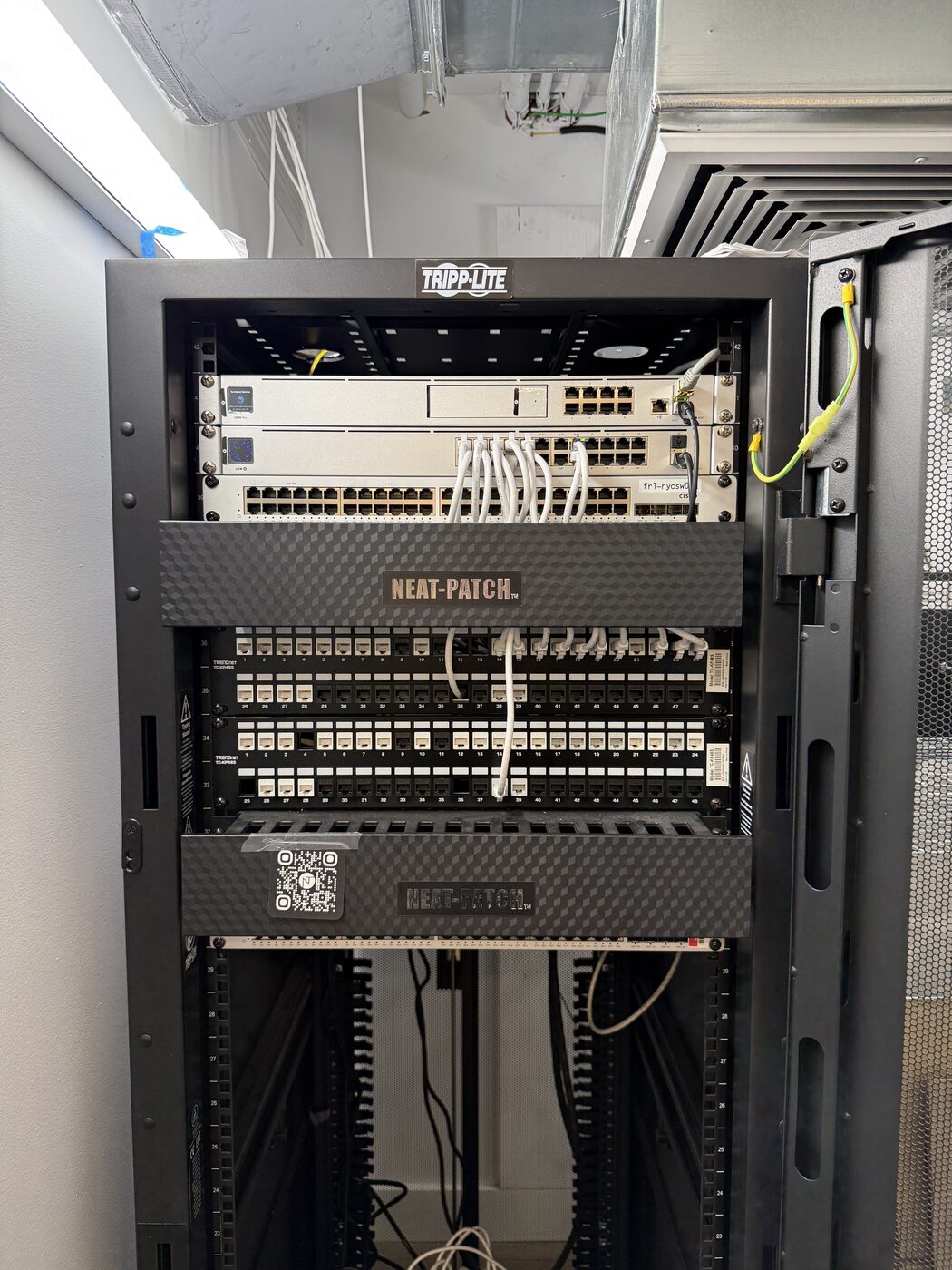
The existing cable stayed where it was. We moved the access points off the metal ductwork, then tested and labeled the ports and tidied the rack so it’s easy to work on.
The rack before and after.
More photos from this job on LinkedIn
A room for Google Meet, Zoom or Teams.
Day to day they use Google Meet, and clients sometimes join on Zoom or Teams. We reset the last tenant’s audio and video equipment and tidied the camera and microphone cables so anyone can plug in a laptop and start a call.
We ran test calls and walked the team through it before Monday.
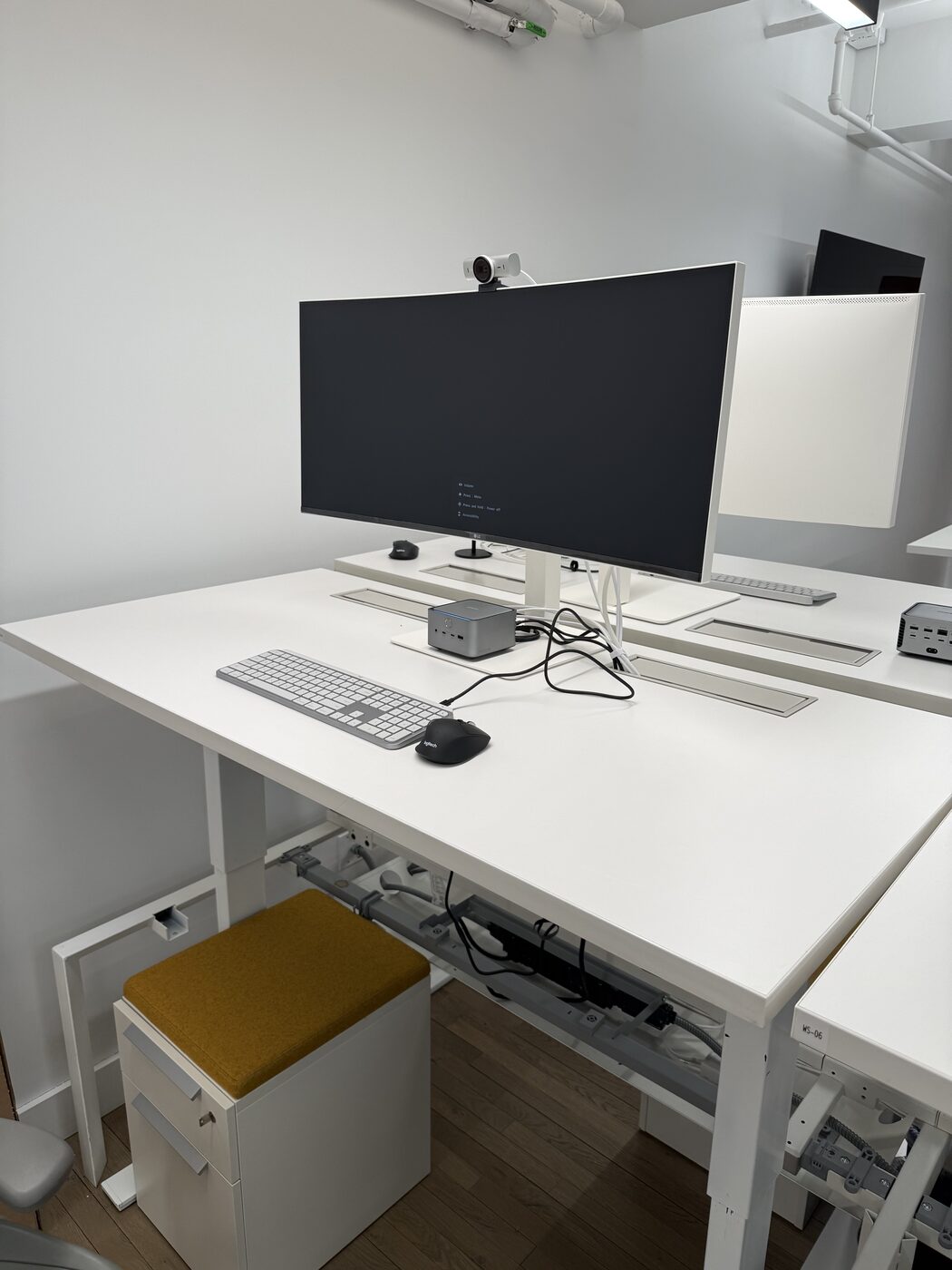
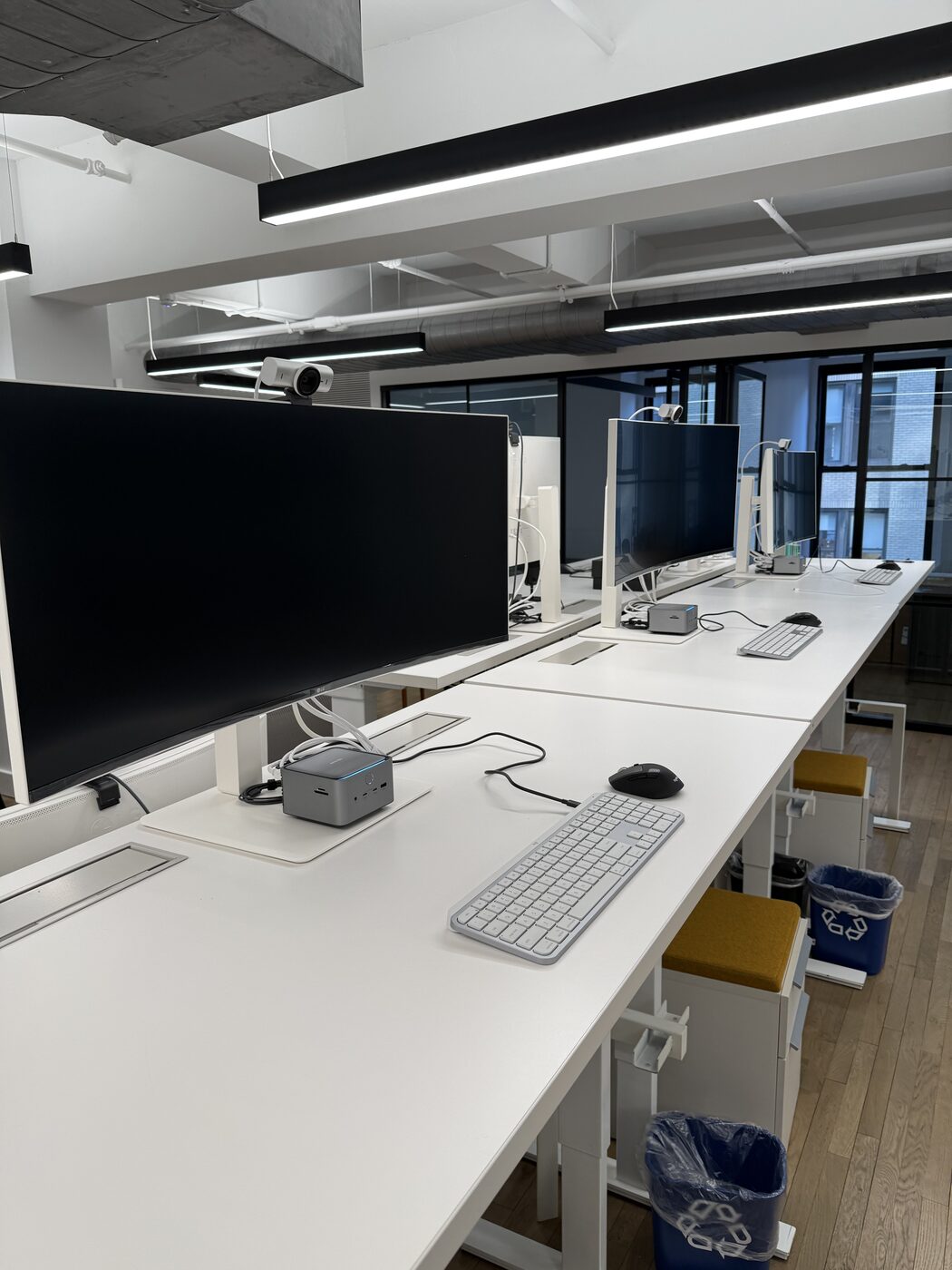
Eight desks on gear they already owned.
They already had the monitors, webcams, keyboards and docks. Four desks came from the old office and four were new. We tidied the cables and tested each desk on Windows and Mac, including camera, audio and charging.
On Monday the operations director wrote back:
“Thank you for the great work. Some members of the team are here with me and all’s going smoothly.”
The operations director, February 9, 2026
Related: Business Networking & Wi-Fi, Build-Outs & Moves, New York City
Set up your next office with us.
Book a call or get an assessment.
After the move, managed IT can look after the network from there.
Pelham, NY. (914) 714-4312